The 2026 Script Toolkit for Affiliates and Media Buyers: Prelanders That Actually Convert
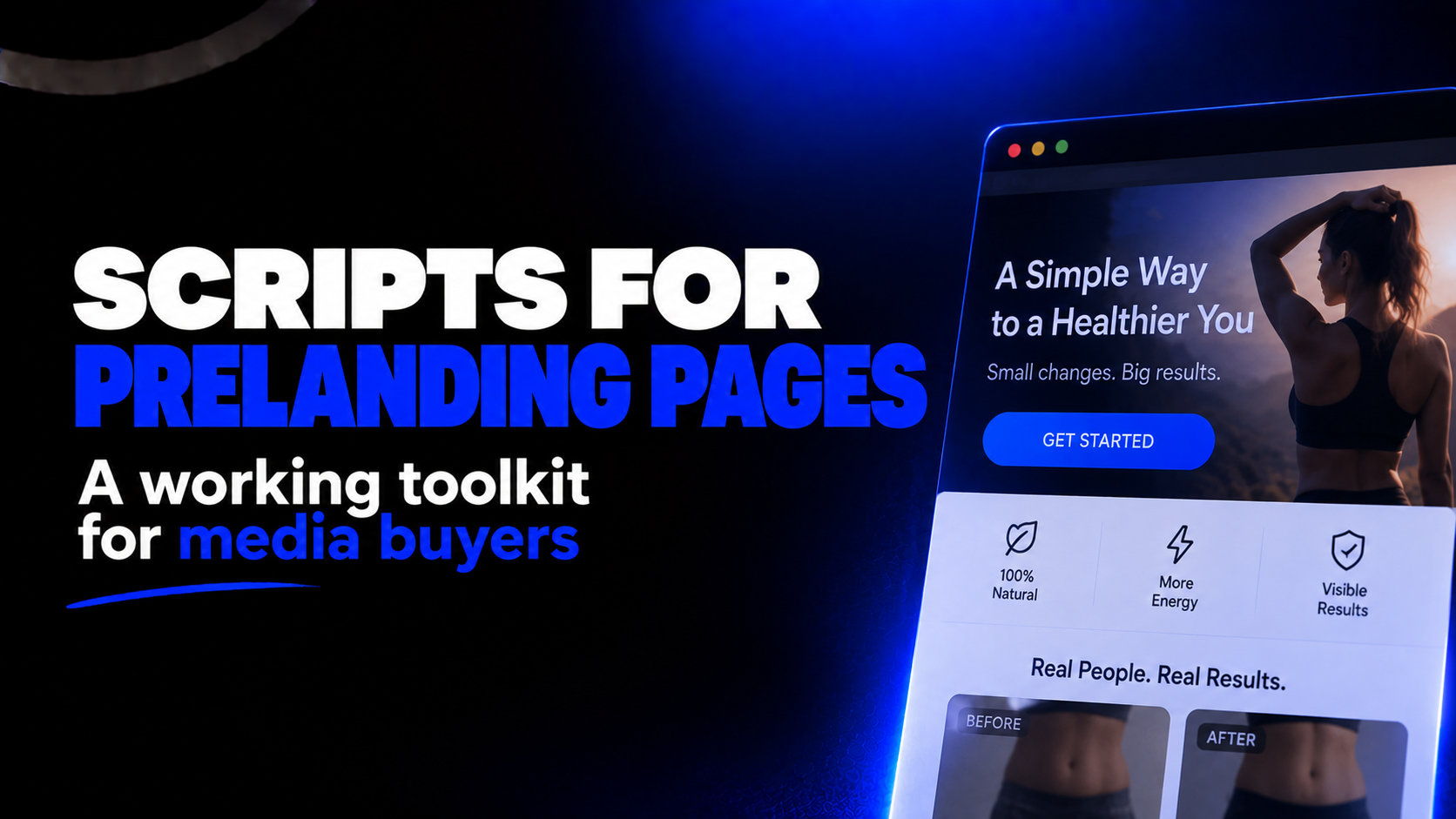
A prelander stopped being "just a bridge between the ad and the offer" a long time ago. Today it's a full-fledged tool that warms up the user, filters traffic, passes data to your tracker and ad account, and helps you clear moderation. And all of that runs on scripts — small pieces of code that turn a static page into a controllable lead-generation machine.
Below is an updated set of scripts worth keeping on hand in 2026. Some are time-tested classics. Others are a response to new realities: tighter privacy rules, the erosion of client-side tracking, and increasingly smart platform moderation.
What changed by 2026
Before you copy any code, it helps to understand the context it now runs in.
Client-side tracking leaks. Safari's ITP, iOS restrictions, Chrome's Privacy Sandbox, and ad blockers all trim cookies and pixels. A script that honestly set a cookie and fired an event from the browser loses a noticeable share of conversions in 2026. So client-side scripts today aren't the whole truth — they're just the top layer over server-side tracking (server-side tagging, Conversions API / CAPI, server GTM).
Consent is now mandatory. In Tier-1, without a correctly configured Google Consent Mode v2 and a GDPR consent banner, data is either not collected or heavily trimmed. The consent script isn't a formality anymore — it's part of the funnel.
More traffic comes from apps and WebView. In-app and WebView environments behave differently from a normal browser: some APIs are unavailable, and clipboard or vibration may work their own way. Scripts must be tested in the exact environment your traffic comes from.
Prelanders can now be AI-generated. Assembling layout and copy got faster, but the scripts and logic are what still separate a working funnel from a pretty, empty page.
With that in mind, here's the toolkit, broken into blocks.
Core block: tracking and data passthrough
Passing sub-id and click_id to the offer
The single most important script here. If the parameters from your ads don't reach the offer, you can't optimize the campaign: the tracker won't know which ad and which audience produced the conversion.
html
<a href="https://your-offer.com/?click_id=" class="btn-offer">Claim bonus</a>
javascript
document.addEventListener('DOMContentLoaded', () => {
const query = window.location.search.substring(1); // sub1=...&click_id=...
if (!query) return;
document.querySelectorAll('a.btn-offer').forEach(a => {
const sep = a.href.includes('?') ? '&' : '?';
a.href += sep + query;
});
});
It takes the full query string from the prelander and appends it to every offer link, so click_id, sub1–sub10, and UTM tags survive the transition.
Passing a Pixel ID through the prelander
A classic trick for the Meta pixel when you need to initialize it not on the prelander itself but later — for example, on the thank-you page. The pixel ID is passed in the URL via an fbpixel parameter, stored in a cookie, and retrieved on the right page.
Helpers for cookies and parameters:
javascript
function setCookie(name, value, days) {
const d = new Date();
d.setTime(d.getTime() + days * 864e5);
document.cookie = `${name}=${value};expires=${d.toUTCString()};path=/`;
}
function getCookie(name) {
const m = document.cookie.match('(^|;)\\s*' + name + '\\s*=\\s*([^;]+)');
return m ? m.pop() : '';
}
function getParam(name) {
return new URLSearchParams(window.location.search).get(name);
}
On the prelander, save the ID:
javascript
const pixel = getParam('fbpixel');
if (pixel) setCookie('fbpixel', pixel, 30);
On the conversion page, retrieve and initialize:
javascript
const pixel = getCookie('fbpixel');
if (pixel) {
// insert Meta's base pixel code (fbq) here
fbq('init', pixel);
fbq('track', 'Lead');
}
Important 2026 caveat: the client-side pixel no longer catches everything. Duplicate events through the Conversions API on the server, or a chunk of conversions simply won't arrive.
Conversion block: working with the user
Auto-detecting language and geo
One funnel can run across several geos. This script shows the right language block based on browser settings.
javascript
const lang = (navigator.language || 'en').slice(0, 2);
document.querySelectorAll('[data-lang]').forEach(el => {
el.style.display = el.dataset.lang === lang ? 'block' : 'none';
});
For accurate geo (country, city), the browser language is unreliable — better to detect by IP via a server header or geo API and pass the result into the markup.
A countdown timer that remembers its state
Scarcity and urgency still work. But an "eternal" timer that resets on every reload looks fake. Persist the state in localStorage:
javascript
const DURATION = 15 * 60; // 15 minutes
const el = document.getElementById('timer');
let end = +localStorage.getItem('timerEnd');
if (!end || end < Date.now()) {
end = Date.now() + DURATION * 1000;
localStorage.setItem('timerEnd', end);
}
const tick = setInterval(() => {
let left = Math.max(0, Math.round((end - Date.now()) / 1000));
const m = String(Math.floor(left / 60)).padStart(2, '0');
const s = String(left % 60).padStart(2, '0');
el.textContent = `${m}:${s}`;
if (left <= 0) clearInterval(tick);
}, 1000);
A "Copy promo code" button
Useful for gambling, betting, and e-commerce. The modern approach uses the Clipboard API with a fallback:
javascript
document.getElementById('copyPromo').addEventListener('click', async () => {
const code = document.getElementById('promo').textContent.trim();
try {
await navigator.clipboard.writeText(code);
} catch (e) {
const t = document.createElement('textarea');
t.value = code; document.body.appendChild(t);
t.select(); document.execCommand('copy'); t.remove();
}
const btn = document.getElementById('copyPromo');
btn.textContent = 'Copied';
setTimeout(() => (btn.textContent = 'Copy'), 1500);
});
In WebView and in-app, clipboard access can be restricted — always test in the real environment.
Social-proof popups
Notifications like "someone just claimed a bonus" build trust. The key is not to overdo the frequency.
javascript
const names = ['Alex', 'Maria', 'Daniel', 'Elena', 'Ivan'];
const cities = ['London', 'Berlin', 'Warsaw', 'Madrid', 'Rome'];
function showToast(text) {
const t = document.createElement('div');
t.className = 'social-toast';
t.textContent = text;
document.body.appendChild(t);
setTimeout(() => t.remove(), 5000);
}
setInterval(() => {
const n = names[Math.random() * names.length | 0];
const c = cities[Math.random() * cities.length | 0];
showToast(`${n} from ${c} just claimed the bonus`);
}, 8000);
Dynamic city and date insertion
Personalization lifts engagement. The date is easy; the city comes from IP-based geo.
javascript
document.querySelectorAll('.today').forEach(el => {
el.textContent = new Date().toLocaleDateString('en-GB');
});
Vibration and sound on mobile
A short vibration on first touch grabs attention. It only fires on a user action and only where the browser allows it.
javascript
document.addEventListener('click', () => {
if (navigator.vibrate) navigator.vibrate([200, 100, 200]);
}, { once: true });
Transition block: getting them to the offer
Whole-page click
Some prelanders are set up so any click leads to the offer. It's powerful but aggressive: it hurts traffic quality and won't pass on many platforms. Use it deliberately, and only where it's allowed.
javascript
document.addEventListener('click', () => {
window.location.href = 'https://your-offer.com/?' + location.search.substring(1);
});
The back-button trap (camback)
It intercepts the "Back" button and, instead of letting the user leave, sends them to another offer.
javascript
history.pushState(null, '', location.href);
window.addEventListener('popstate', () => {
window.location.href = 'https://your-second-offer.com/';
});
Honestly: this annoys users, wrecks behavioral metrics, and violates several sources' rules. In 2026, platforms detect it better and better. Test carefully, and not where an account is at stake.
Technical block: speed, hygiene, protection
Speed and Core Web Vitals
In 2026, speed is both conversion and a ticket to traffic. Google factors in Core Web Vitals, and users simply bounce off slow pages. The baseline needs no JavaScript at all:
- images with
loading="lazy"and correct dimensions; - WebP/AVIF compression;
deferon scripts andpreconnectto the offer domain;- minimal external libraries — most scripts above run on plain JS.
Filtering junk and bot traffic on the landing side
Some clicks are bots, scrapers, and preview scanners. They pollute your stats and get in the way of clean optimization. A simple client-side filter helps flag obviously non-human traffic:
javascript
function looksLikeBot() {
return navigator.webdriver === true
|| /HeadlessChrome|bot|crawler|spider/i.test(navigator.userAgent)
|| navigator.plugins.length === 0;
}
if (looksLikeBot()) {
// e.g., skip heavy scripts and flag the visit in your tracker
}
It's a rough filter for cleaner stats, not real protection — advanced bots get around it.
Basic copy protection
A script that disables the right click and text selection often ends up on prelanders. Be honest about what it does: it only stops a casual user, never someone who opens the source or dev tools.
javascript
document.addEventListener('contextmenu', e => e.preventDefault());
document.addEventListener('copy', e => e.preventDefault());
Compliance block for Tier-1
If you run Europe, the US, or other Tier-1 geos, skipping consent costs you both data and accounts.
- Google Consent Mode v2: without it, European conversions are only partially modeled or not collected at all.
- A GDPR consent banner: the user must explicitly agree before tracking scripts run.
- Load order: pixels and analytics should start only after consent, or you risk both your data and complaints.
A minimal banner skeleton — a simple block that hides after a click and unlocks tracking:
javascript
if (!getCookie('consent')) {
document.getElementById('consentBanner').style.display = 'block';
}
document.getElementById('consentAccept').addEventListener('click', () => {
setCookie('consent', '1', 180);
document.getElementById('consentBanner').style.display = 'none';
// start pixels and analytics here
});
Putting the funnel together
- Tracking first. Parameter passthrough and data handoff go in before anything else — without them, optimization is blind.
- Conversion next. Add the timer, social proof, promo code, and personalization one at a time and test the effect on CR.
- Transition last. Turn on transition mechanics at the very end, and only where the source allows.
- Always test in the real environment. Especially WebView and in-app: what works in desktop Chrome can silently fail inside an app.
- Don't stack everything at once. Five aggressive mechanics on one page kill trust and metrics faster than they lift conversions.
Bottom line: a short checklist
- Parameters reach the offer — verified.
- Events are duplicated server-side (CAPI/server-side), not just in the browser.
- The timer and social proof look alive, not fake.
- Speed and Core Web Vitals are healthy.
- Consent is configured for Tier-1.
- Everything is tested in the exact environment the traffic comes from.
Scripts aren't magic — they're tools. In 2026, the winner isn't whoever has the most of them, but whoever assembles them into a clean, fast, tracking-honest funnel.
Share this article
Send it to your audience or copy an AI-ready prompt.