In-App on Unity Ads in 2026: Picking the App, Wiring the Integration, and Getting Traffic to First Deposits
When a media buyer moves to Unity Ads from the sources they know best, the instinct is to assume everything is won or lost inside the ad account: bids, budgets, targeting. In reality, most of the outcome is decided earlier — at the level of the app itself and its integration. That is where you determine what data the algorithm will ever see, how honest your analytics will be, and whether the unit economics of the funnel will actually close. A mistake here is not always visible on day one, but it runs through the entire campaign: the algorithm learns on broken events, optimization stalls, and the buyer keeps blaming bids when the real problem was baked in before a single impression was bought.
This is a practical map for In-App traffic on Unity Ads as it works in 2026: how the source behaves, how to choose and vet an app, what to send in your events, how to get through the technical setup, and how to walk traffic from the first install to steady deposits.
Same App, Different Approach
Technically, the app barely cares where its traffic comes from. The connection to Unity, however, is built on a fundamentally different logic than classic sources.
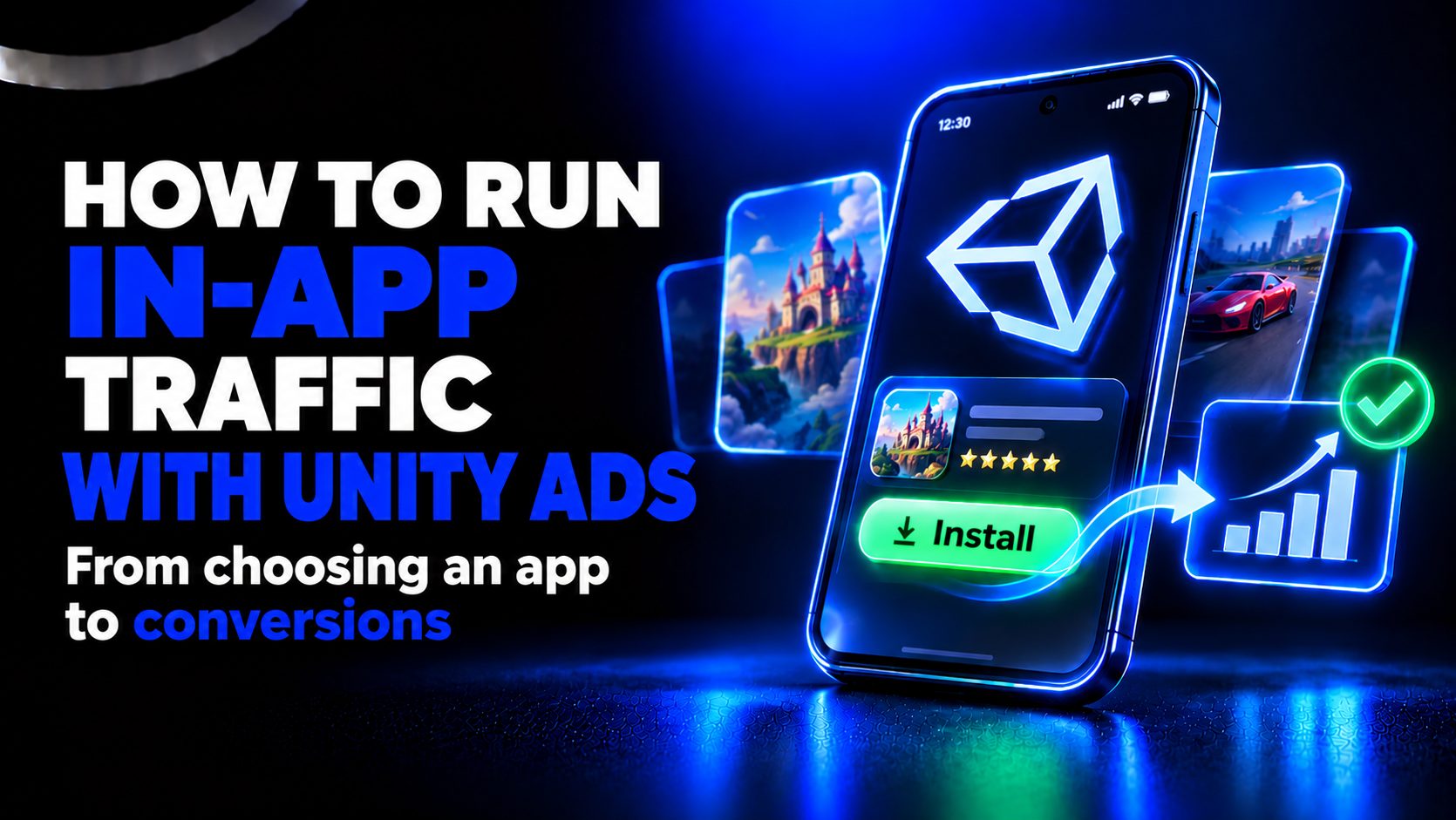
To run on Unity Ads, the app must be integrated with Unity, and the ad account must be shared to it. The user does not search for you, and usually does not land on a store page in the familiar way: they see your ad inside another app or mobile game, and immediately after the creative they get an icon and an install button. The path from impression to install is as short as it gets — which is both the format's strength and its weakness. The traffic is cheap and plentiful, but less "deliberate" than search traffic.
The key difference is that Unity's algorithm learns on exactly the events the app's integration feeds it. If the data arrives with errors, with delay, or incomplete, optimization will work against you no matter how cleverly you set your bids. So three things are non-negotiable at launch: a working ad account, a correct integration that passes events, and creatives built specifically for In-App — video and playable, not static leftovers from banner networks.
What Scares Buyers About In-App — and Why It's Solvable
The move to In-App rarely scares people because advertising is "hard." It scares them because it's unfamiliar:
- A different account and campaign structure. Unity's logic differs from social and search networks, and the first few days require relearning.
- The app becomes part of the funnel. In ordinary sources you send traffic to a landing page you can swap in minutes. Here the app is an asset that directly drives the result, and you cannot pick it by gut feel.
- Integration and event setup. Without correct event delivery, you simply cannot tell where the funnel breaks — at install, registration, or deposit.
- Tests demand volume. One campaign on a minimal budget proves nothing. To draw conclusions you need data, and data costs budget and time.
The good news: these are all one-time barriers to entry. Once your first working funnel is set up and you've run the full cycle of "test → conclusions → scale," the source becomes as manageable as any other.
How to Choose an App
The app is the foundation of the funnel, so selection starts not with the creative but with three questions: platform, attribution, events.
Platform. You can work with apps from both Google Play (Android) and the App Store (iOS). For a first run, Android is almost always easier: attribution is more transparent, and events arrive faster and in full. On iOS, data flows through Apple's privacy machinery (SKAdNetwork / AdAttributionKit), arriving anonymized, aggregated, and delayed — a separate skill best approached once you already have Android experience.
Attribution. How and when data arrives dictates how fast the algorithm learns. On Android you see events almost in real time and per user. On iOS the picture is aggregated and delayed, so your expectations about optimization speed have to be different from the start.
Events. The minimum working set is three events: install, reg, and dep. If the app can only pass installs, the algorithm will stay stuck optimizing for CPI and will never reach optimization for quality.
App Checklist Before Launch
Before you put an app into a funnel, run through five points:
- Integration and sharing. The app is integrated with Unity and the ad account is shared to it.
- Icon matches the theme. The icon lines up with the creative and the offer — a visual "cliff" between the ad and the icon kills conversion.
- The first screen continues the creative. What the user saw in the ad should flow logically into the first screen after install.
- Test events arrive. Trial install, reg, and dep events actually reach both the tracker and Unity.
- The app is light and stable. A large share of In-App traffic comes from weak devices and slow networks — a heavy or unstable app loses users before they even register.
A good practice is to keep more than one app in testing. That lets you compare results on identical creatives and shift budget toward whatever actually brings deposits, not just cheap installs.
Technical Setup, Step by Step
Most of the integration is usually handled on the technical side (the app's mobile developer): that side does the account sharing and configures event delivery. From the buyer, two inputs are needed — the chosen app and access to the Unity account. The overall setup logic looks like this:
- Create an ad account in Unity Ads (Unity Grow / Unity Ads).
- Choose the app that will become part of the funnel.
- Add the app to Unity, providing the link to its store page.
- Get the Game ID — the app's identifier in Unity's system.
- Pass the Game ID to the technical side to configure the integration.
- Receive the tracking links — Click and Impression.
- Add those links to the Attribution links section in the app's settings in Unity.
- Verify that test events pass correctly through the entire chain: app → tracker → Unity.
That last step is critical: the end-to-end test is what proves the system is assembled correctly. The Game ID must match between the account and the integration, the Click and Impression links must sit in the right fields, and the time zone in Unity and in the tracker must be identical — otherwise events drift apart in time and reports stop reconciling.
Which Events You Send, and Why
Event delivery is the language the app uses to talk to the algorithm. The richer and more honest that language, the more precise the optimization.
- Install — the base event. CPI optimization is built on it. It's the start, but you cannot stop there: install optimization collects a lot of cheap, often empty traffic.
- Reg — registration. The install → reg ratio tells you the quality of traffic after install and whether users reach the product at all.
- Dep — deposit. Sent as a purchase, always with an amount and a currency. Without the amount, ROAS optimization is impossible — the algorithm has nothing to weigh.
To launch a ROAS campaign, Unity requires a minimum volume of paying users (roughly 10 payers within 7 days as a benchmark). Until that threshold is met, the campaign runs on simpler goals — a normal ramp-up stage, not a malfunction.
Attribution in 2026: What Has Changed
The attribution landscape has shifted noticeably over the past couple of years, and in 2026 you need to account for it from the outset.
iOS: from SKAdNetwork to AdAttributionKit. Apple keeps pushing the ecosystem toward private, aggregated attribution. SKAN 4.0 remains a working standard, but Apple is actively developing AdAttributionKit as the next layer, including for alternative app marketplaces in some regions. The practical takeaway for a buyer is the same either way: iOS data arrives anonymized, delayed, and aggregated, so short windows and "react on the spot" instincts don't work here. Build in longer evaluation cycles and don't panic over "empty" first hours.
Android: Privacy Sandbox. Google continues rolling out Privacy Sandbox on Android, gradually restricting access to identifiers and shifting part of attribution toward aggregated signals. Android is still more transparent than iOS, but the trend is identical — less raw data, more modeled data. That's one more reason to set up full reg and dep event delivery up front rather than relying on device-level tagging.
The MMP as insurance. The murkier platform-level attribution becomes, the more a reliable mobile measurement partner (MMP) matters. In practice, funnels run more stably on established solutions such as Adjust, AppsFlyer, and Singular — they pass revenue through the whole chain more faithfully and give predictable alignment with Unity. Which MMP you use is a question of access and habit, but in 2026 having one at all is no longer optional; it's the baseline.
Final Checklist Before Your First Spend
Before you flip the campaign on, run through this list:
- the account is shared and the app is visible in Unity;
- the Game ID is delivered and matches between the account and the integration;
- the Click and Impression links are added in Unity;
- the time zone is identical in Unity and the tracker;
- test install, reg, and dep events have passed through the full chain;
- the app's icon and name match the creatives;
- alerts are set up (for example, in Telegram) for the first registration and first deposit, so you catch funnel breaks within the first hours.
How the Traffic Launch Works
Launch is not "hit start" — it's a built-out sequence.
Assembling the base. Before the first impression, everything should be in place: the app, the events, the budget, the chosen optimization types, and the creatives. The more complete the base, the fewer edits you'll have to make on the fly.
Creatives. The algorithm needs choice. The working practice is to launch several creatives across different format pairings — above all Video + Endcard and Video + Playable — and refresh them gradually without burning one lucky find down to zero. Playable formats in In-App deliver a more "warmed-up" user, because they've already interacted with the mechanic before installing. In 2026, AI tooling has sped creative production up noticeably: generating video variations, voiceovers, and localization is faster now, and that's worth using for more frequent rotation — but you still test on data, not on "I like it / I don't."
Learning. After the campaign starts, give it time to learn and don't touch the settings in the first hours. Every early change to a bid or budget throws the algorithm off and resets the signals it has accumulated.
Evaluation. Watch the metrics as a set: CPI, CPA Reg, and CPA Dep are the money, while CTR and CVR help you understand the cause of a dip. If CPI is sagging, look at the creative and the app; if installs are there but registrations are low, look at the creative-to-product fit; if registrations are there but deposits aren't, look at the offer and the deeper funnel.
Scaling and Blacklists
Once a funnel turns profitable and stabilizes, growth begins. Scale along several axes at once, but carefully:
- gradual increases to budget and bids, without sharp jumps that knock the campaign out of learning;
- new creatives and formats;
- new apps in the funnel;
- new optimization types as paying users accumulate.
A separate task is placement blacklists. You can't build them by gut in the first days. The right path is to accumulate data by source/placement, see where there are systematically no registrations or deposits despite a normal install volume, and only then switch them off. An early, emotion-driven blacklist is just as harmful as an early bid change.
Geo and Localization
There is no universal "best geo" — there's a geo that fits your funnel. When choosing, account for:
- The vertical/theme. What performs brilliantly in one region can be dead in another.
- The Android/iOS split in the country. If a geo is iOS-dominant and you've come in with an Android app, you're cutting off part of the market (and vice versa).
- Localization. The app, creative, and offer must speak the user's language — including the local currency in deposits and familiar payment methods.
- The icon. It should be recognizable and appropriate in that specific geo, not a generic "one size fits all."
Common Problems and Funnel Diagnostics
Most early-stage problems boil down to a few typical scenarios.
The technical side. Errors in the Game ID, an incomplete integration status, events that don't arrive (especially on iOS). The status in the account can update with a delay, so "nothing works" in the first hours isn't always a breakage.
Data delay. Registrations and deposits can show up in Unity with a noticeable lag (on iOS, up to a couple of days). To keep the link between creative and result, pass parameters like creative_pack / creative_pack_name — otherwise you won't know which creative actually brought the deposit.
Revenue for ROAS. The revenue value must pass correctly through the whole chain: app → tracker → Unity. If the amount is lost or arrives as zero, ROAS optimization won't work no matter how many payers you bring.
Too small a test. One app, one campaign, and a token spend give you no statistics. Conclusions on that volume are guessing, not analytics.
Early optimization. Frequent bid and budget edits in the first days stop the algorithm from learning and more often hurt than help.
Funnel diagnostics in one line: few installs → check the creative and the app; few registrations → check the creative-to-product fit; few deposits → check the offer, event accuracy, and the deeper funnel.
The Short Version
In-App on Unity Ads is a source where the result is decided before the first impression: in the choice of app, the cleanliness of the integration, and the completeness of the events you send. In 2026, a buyer should keep three things in mind: it's easier to start on Android and to grow into iOS with experience already behind you; build optimization on the install → reg → dep chain rather than getting stuck on installs; and account for the new attribution reality (SKAN 4.0, AdAttributionKit, Android Privacy Sandbox) by building in longer evaluation windows and a reliable MMP. Everything else — tests, creatives, scale, and blacklists — only works once that foundation is assembled correctly.
Share this article
Send it to your audience or copy an AI-ready prompt.